
Support
Support, privacy and account deletion
Get help with MyDirection or send a direct request to delete any account or service data associated with you.
Request account deletion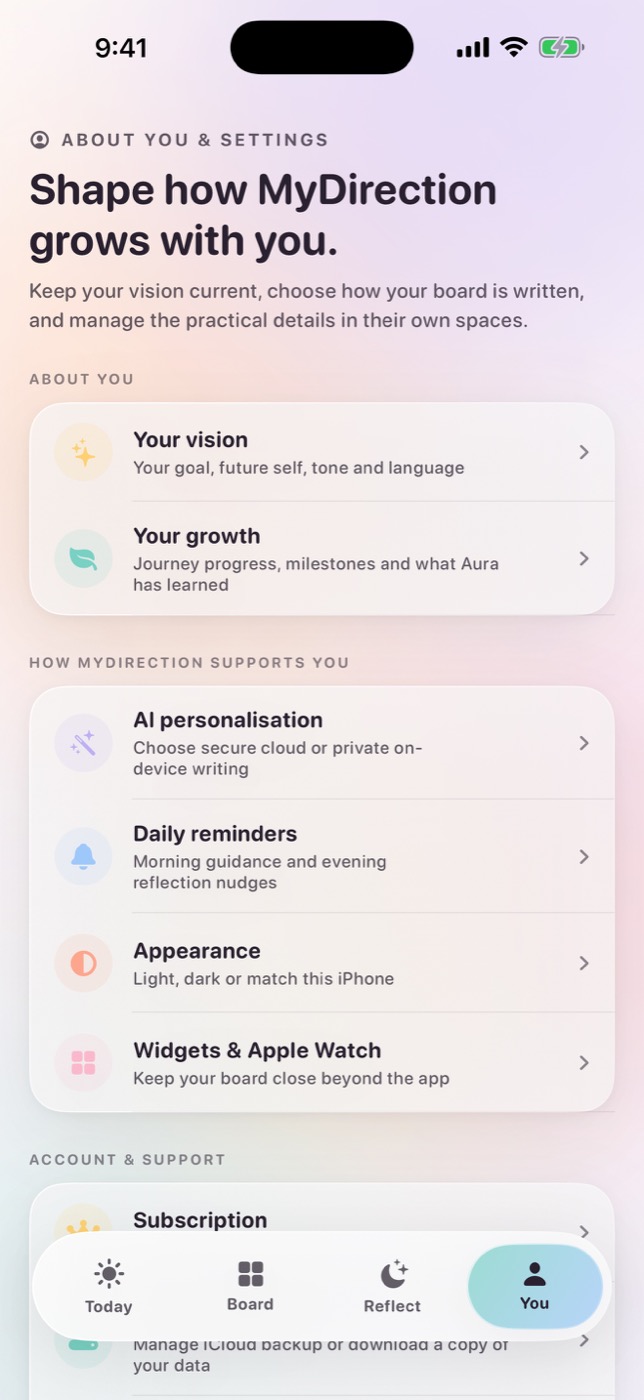
The short answer
For general help, email MyDirection support. To ask us to delete any account or service data associated with you, use the account and data deletion request. Writing, photos, reflections and board content are stored on your device and can be erased inside the app under Settings → Privacy → Delete all my data.
Contact MyDirection support
Email [email protected] for app support. Tell us what you were trying to do, what happened instead, and, when relevant, your iPhone or Apple Watch model, operating-system version and MyDirection app version. Those technical details usually let us investigate without seeing any of your private content.
- For a crash or frozen screen, include what you tapped immediately before the problem.
- For an Apple Watch issue, say whether the iPhone app is installed and whether both devices are signed in to the same Apple Account.
- For a purchase issue, use Restore Purchases in the app first. You may include an Apple order identifier if support asks for it, but never send full payment details.
- For a privacy question, describe the feature or setting you are asking about without copying the private content itself.
Request account and service-data deletion
Use the account and data deletion request to ask Reconnect Digital Pty Ltd to delete any MyDirection account record or service data that can be associated with you. MyDirection does not require a conventional login for the core app, so some people will have no MyDirection account record. We will still review the request, identify any relevant record we can verify, explain anything we are legally required to retain, and confirm the outcome.
- Open the pre-addressed account and data deletion email and send it from an address where you can receive our reply.
- Include only the identifiers needed to locate a record. Start with the email address you previously used to contact support. If more verification is required, we will ask for it.
- Do not include your journal writing, goals, photos, passwords or payment-card information.
- We will reply with any verification or next step required and confirm when the request has been completed.
Erase writing and board content from your device
Your board, goals, reflections, evidence and photo choices are stored locally on your device. Because that content is not held in a MyDirection account, a support request cannot remotely erase it from your iPhone. In MyDirection, open Settings, choose Privacy, then choose Delete all my data. Read the confirmation carefully: local deletion is intended to be permanent, and support cannot recover content that existed only on your device.
MyDirection does not upload photo pixels for generation. If you choose secure AI personalization, the text needed for that request is sent with training disabled and zero data retention. The app does not keep a server-side prompt history for support to retrieve or delete. You can change generation mode or withdraw cloud AI permission in Settings without deleting your locally stored writing.
- Delete local content
- In the app: Settings → Privacy → Delete all my data.
- Delete account or service records
- Send the account and data deletion request from this page.
- Stop subscription renewal
- Cancel MyDirection under Apple Account → Subscriptions.
- Read the complete policy
- See the MyDirection privacy policy.
Common help paths
Restore a subscription
Make sure the iPhone is signed in to the Apple Account that made the purchase, then use Restore Purchases inside MyDirection. If access is still missing, contact support with the app version and the approximate purchase date. Do not send payment-card information.
Apple Watch is not updating
Open MyDirection on the paired iPhone first, confirm the Watch app is installed, and allow the devices a moment to sync. If the problem continues, restart both devices and tell support the iPhone model, Watch model and operating-system versions.
Private writing or AI personalization
You choose the generation mode. Private writing keeps supported generation on your iPhone and can work offline on compatible hardware and languages. Secure AI personalization sends the text needed for the request with training disabled and zero data retention. Read what actually leaves your phone before changing the setting.
Common questions
Can I delete my data without contacting support?
Yes. For content held on your iPhone, open MyDirection Settings → Privacy → Delete all my data. Contact support when you want us to check for and delete an account or service record associated with you, or when you cannot access the app.
Does deleting my account cancel my subscription?
No. Apple manages billing separately. Cancel MyDirection in iPhone Settings → your name → Subscriptions if you want to stop renewal.
Can support recover writing after I delete it?
No. Writing and board content stored only on your device cannot be recovered by support after local deletion.
What should I include in a support request?
Describe the problem and include app, device and operating-system versions when relevant. Do not include goals, reflections, photos, passwords, payment-card details or other private content.
Sources and further reading
For iPhone and Apple Watch
Keep your vision close.
Become it daily.
Start with a 3-day free trial and the complete app. $7.99 per week, $19.99 per month or $59.99 per year.
See pricing and trial